Do you use the Red ticketshop with a seating plan? As an administrator, you can now reschedule tickets to another time slot yourself.
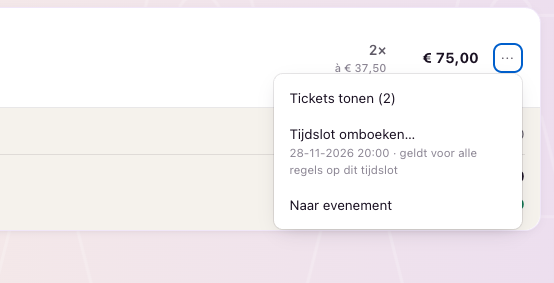
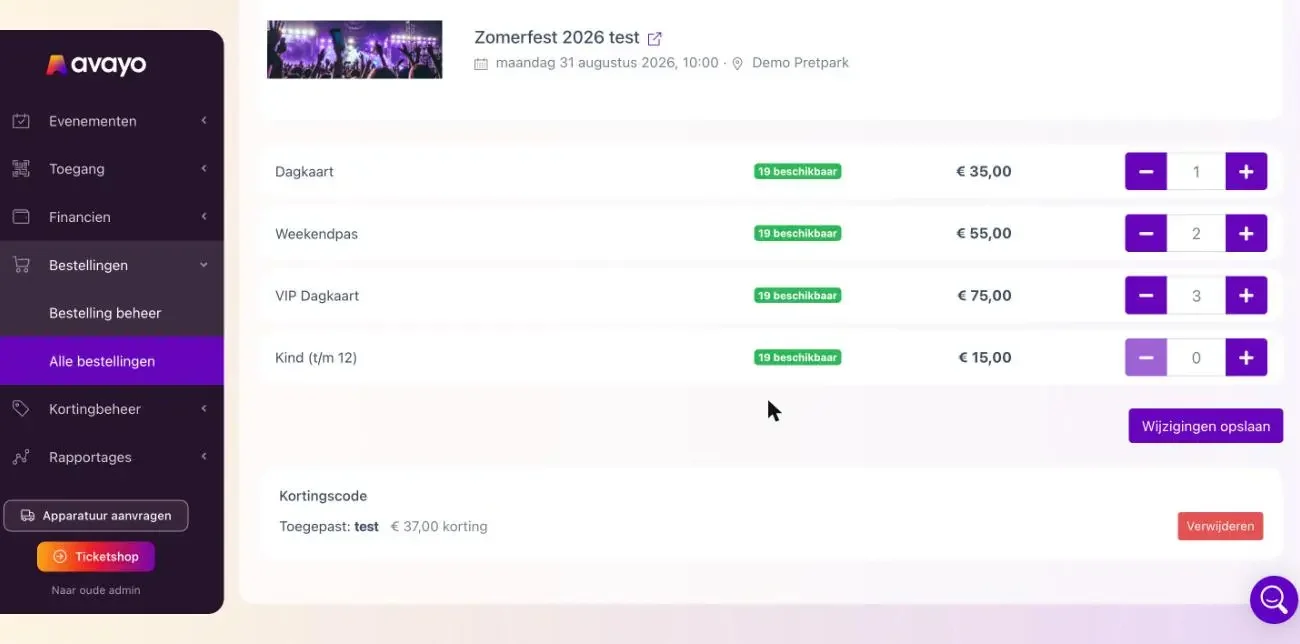
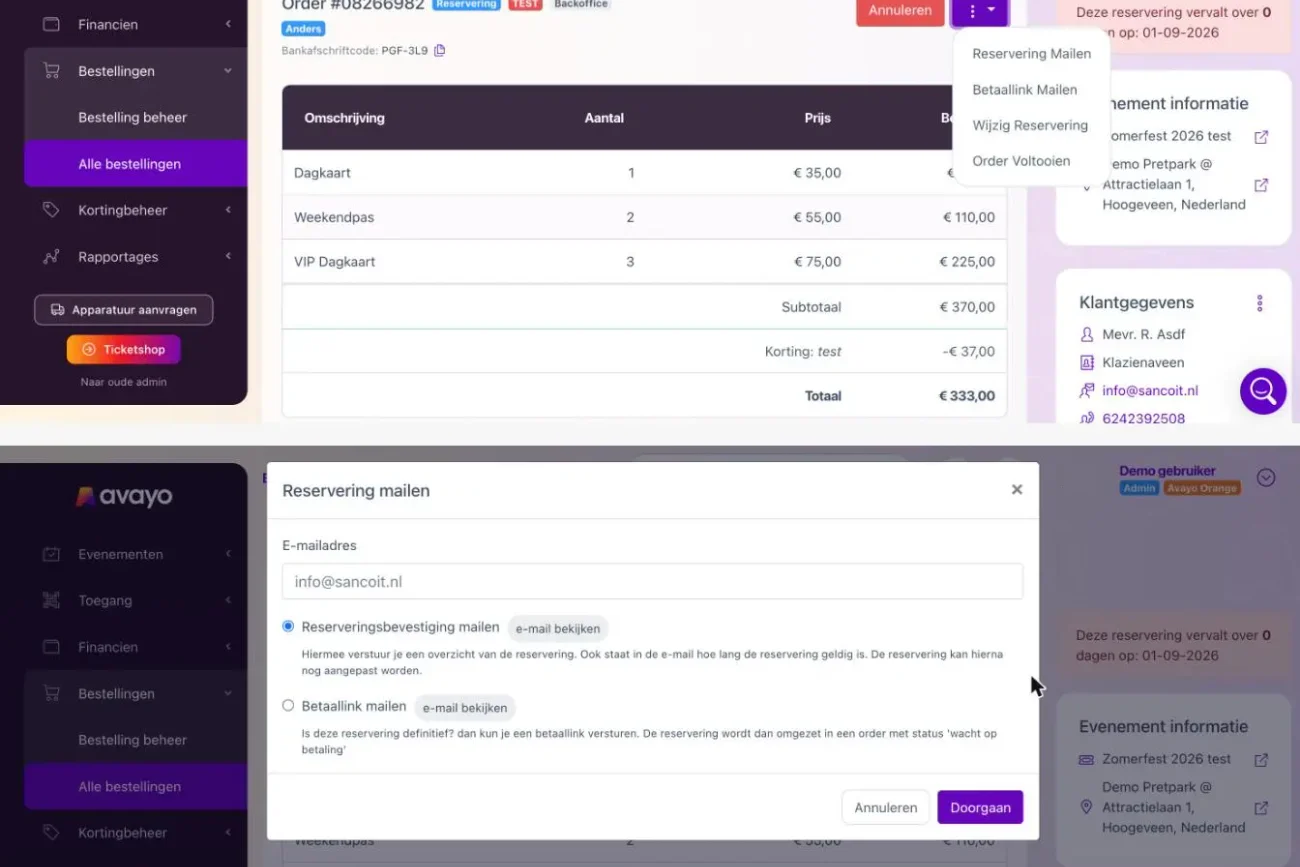
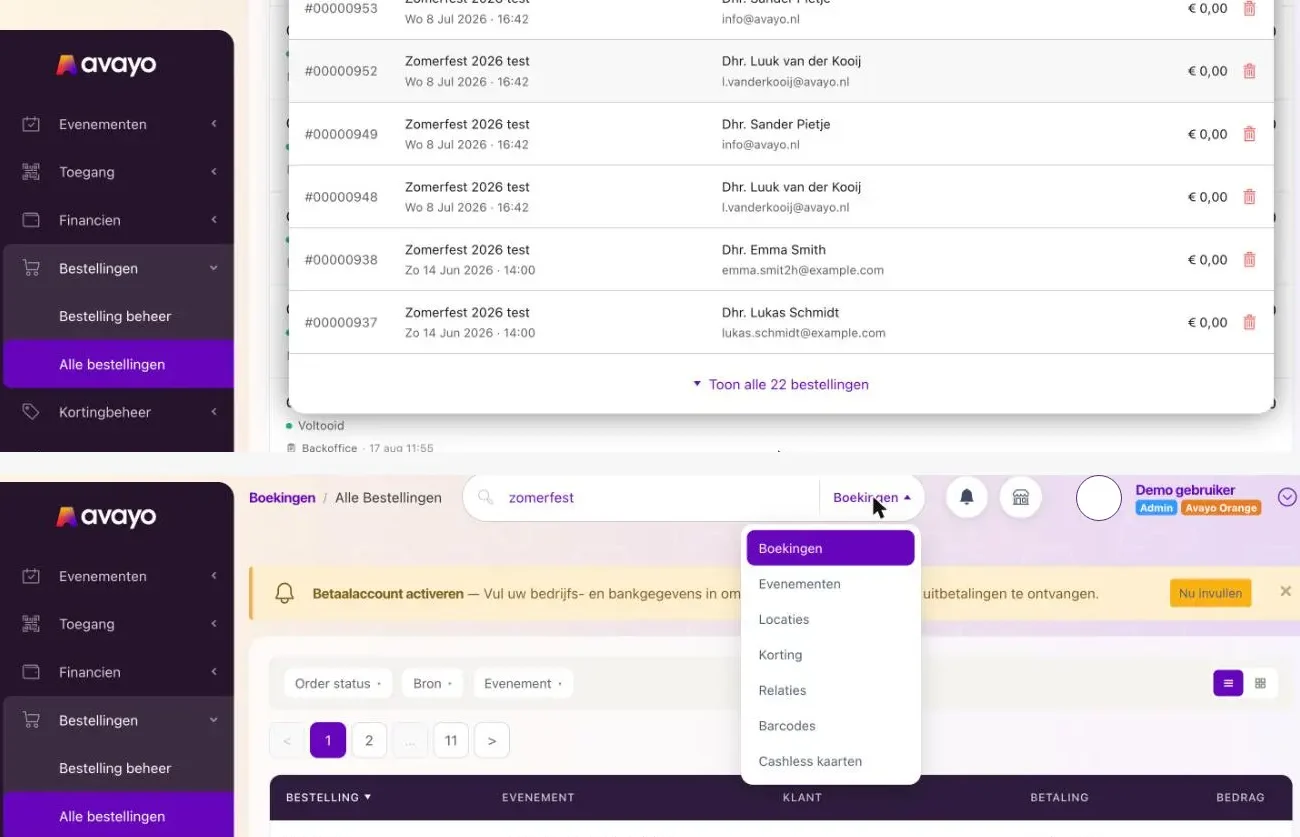
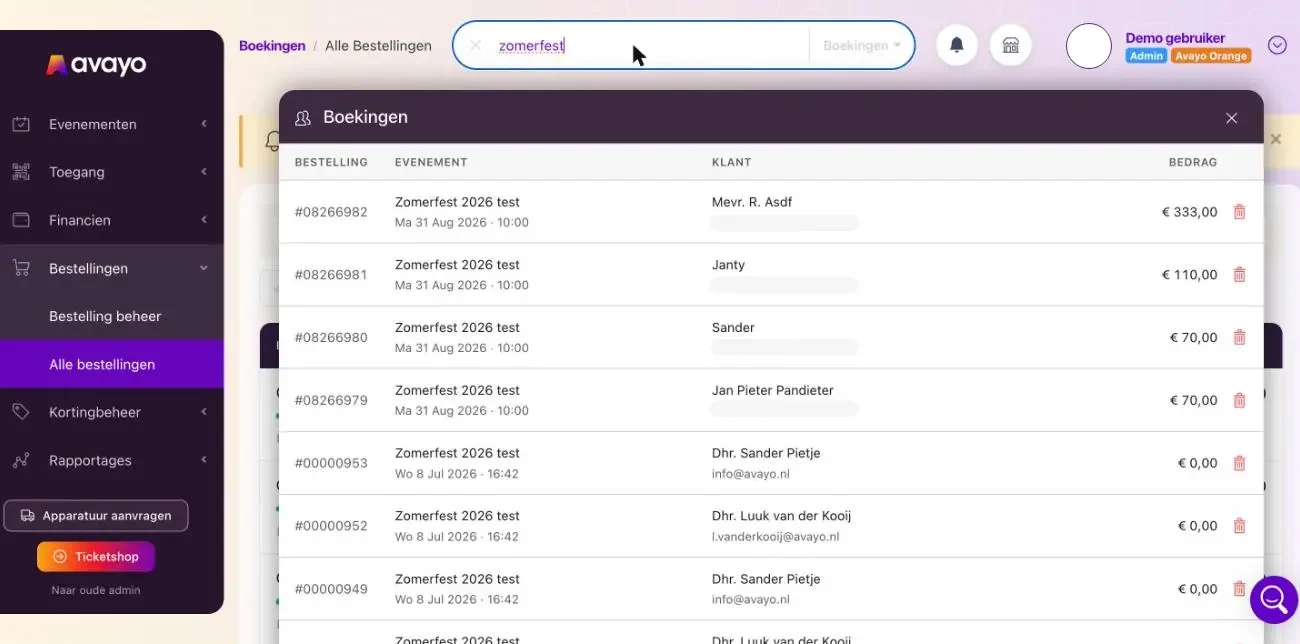
Open the order in Avayo Admin. On the ticket row, click the three dots (the row menu) next to the price and select Reschedule time slot…. Then choose the desired time slot. The visitor will receive their new tickets by email (you can disable this option), and the original seats will become available again.
Good to know: The system automatically selects the best available seats in the same seating category. Manually selecting seats is not yet possible. If a time slot doesn’t have enough available seats, you won’t be able to select it. All tickets in the order for that time slot are rescheduled together. There are no rescheduling fees, and the total order price remains unchanged.