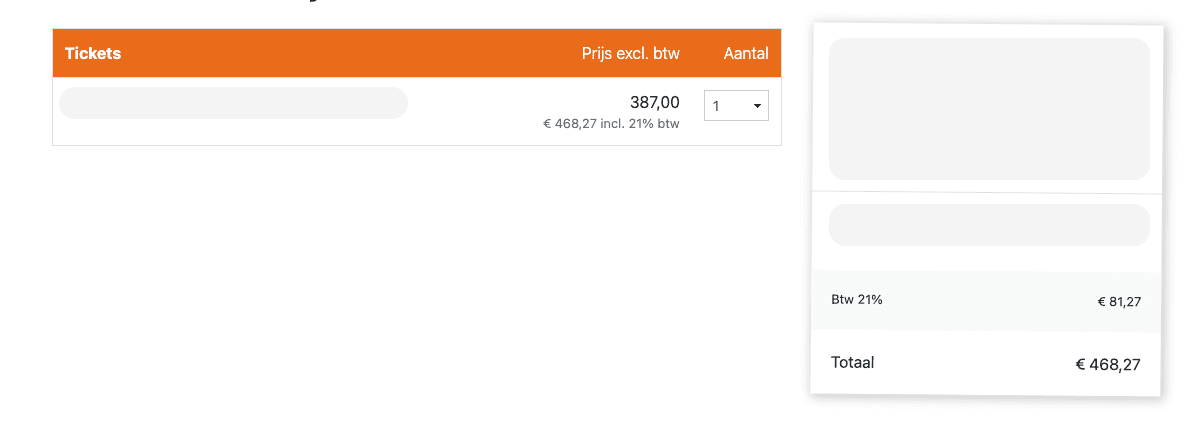
Yellow ticketshops can now show prices excluding VAT in the ticketshop. Visitors will see the price excluding VAT, with the amount including VAT shown underneath.
During checkout, VAT is also shown as a separate line above the total. The amount the visitor pays does not change, only the way the price is displayed.
You can set this up via Admin 2.0 → Settings → Invoices. First enable Show VAT rate with the correct percentage. After that, the option Show prices excluding VAT in the ticketshop will appear.
Good to know: this feature is currently available for Yellow ticketshops. Orange and Red will follow in a later phase.