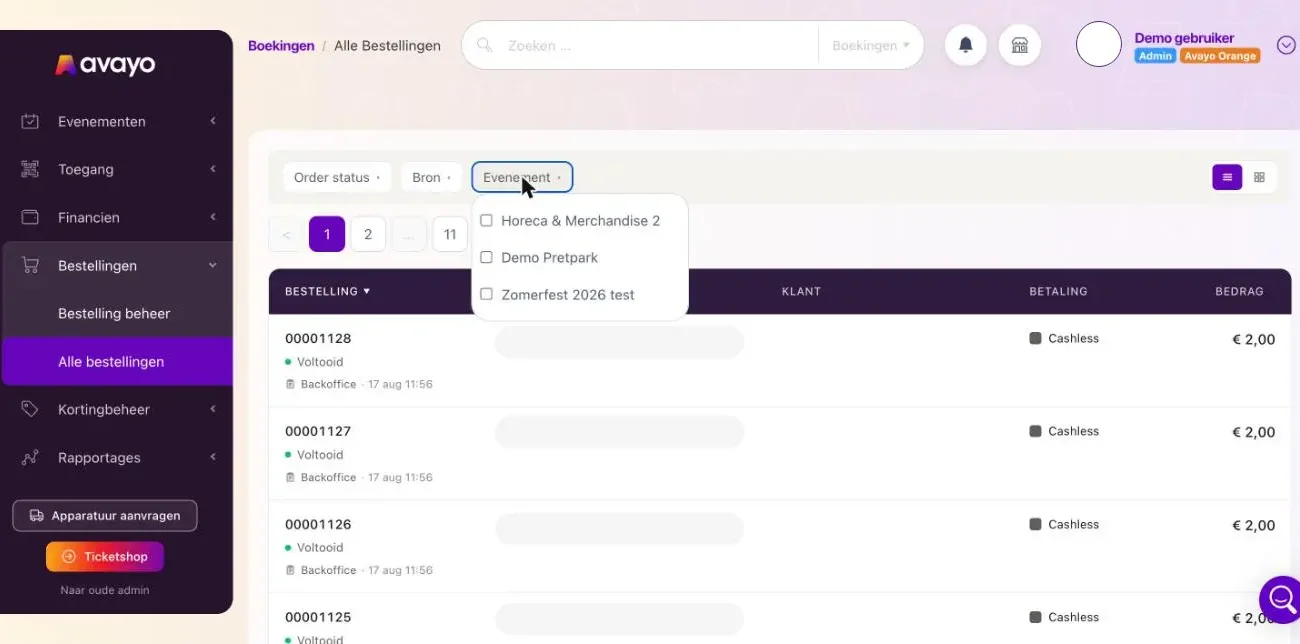
You can now filter the order list in Admin 2.0 by event. This helps you find orders for a specific event faster.
Only events that actually have orders are shown, with the most recent events at the top. When there are nine or more events, a search field appears automatically. You can also select multiple events at the same time.
The event filter works together with the existing filters, such as status and source. Your selected filter and sorting order are also remembered when switching between list and card view or browsing through pages.