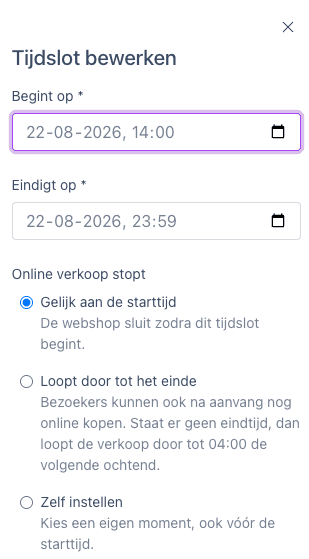
When adding or editing a time slot, you’ll now see a dedicated Online sales end section. Here, you can choose from three options: at the start time, at the end of the time slot, or set a custom time.
This setting already existed, but was less clearly visible in the back office. It’s now shown directly in the form, so you can immediately see how long visitors are able to buy tickets online.
Example: does an event start at 20:00? You can stop online sales at the start, keep them open until the end of the time slot, or choose your own end time.