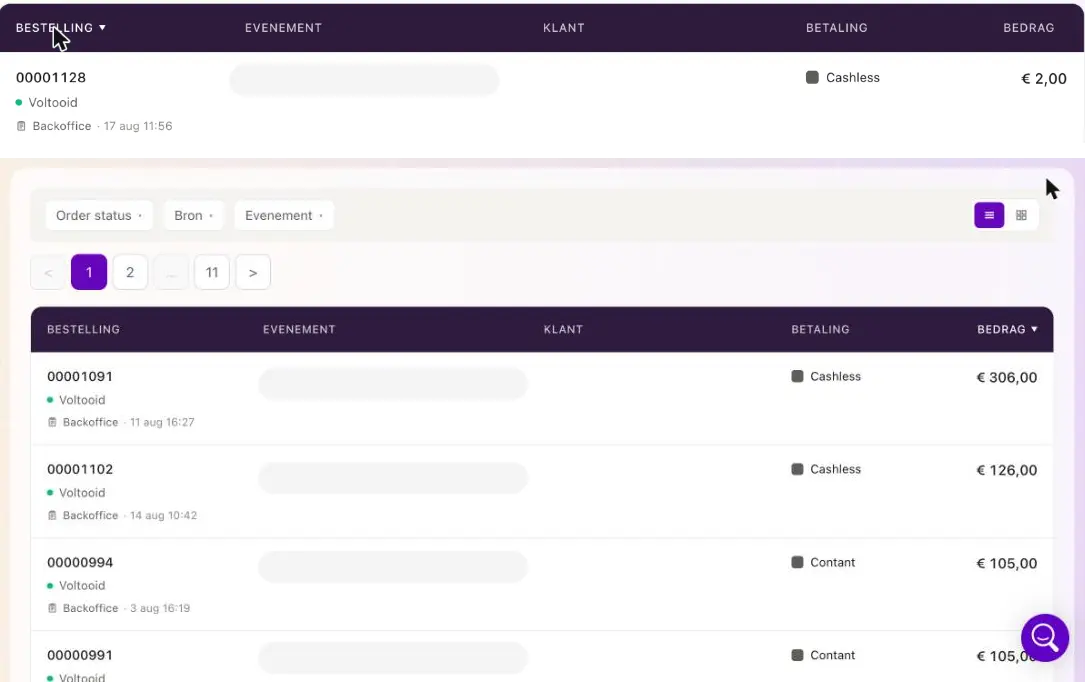
You can now easily sort the order list in Admin 2.0 by clicking a column header.
The columns Order, Event, Customer, Payment and Amount are clickable. With one click, you sort the overview by that column. Click again to reverse the order.
The arrow clearly shows which column you are sorting by. The sorting applies to all orders, not just the page you currently have open.