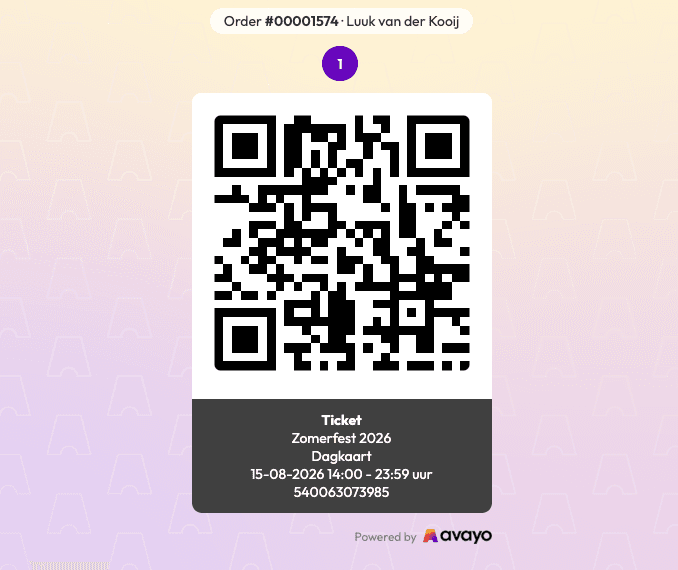
In the ticket overview behind the “Show tickets on your phone” button (after purchasing a ticket), the order number and the booker’s name are now displayed at the top.
This makes it easier to match a ticket with an order or guest list, even when someone shows their tickets directly on their phone.
The order number is the same as the one shown on the PDF tickets and in the guest list export. This makes it easy to find and check off visitors, whether they show their ticket as a PDF or through the ticket overview. It is useful for checking a guest list, but also for giving visitors a more personal welcome at the entrance when you can immediately see whose name the order is under.
The change applies automatically to all accounts and also works immediately for existing bookings. If no name is associated with the order, only the order number will be displayed.