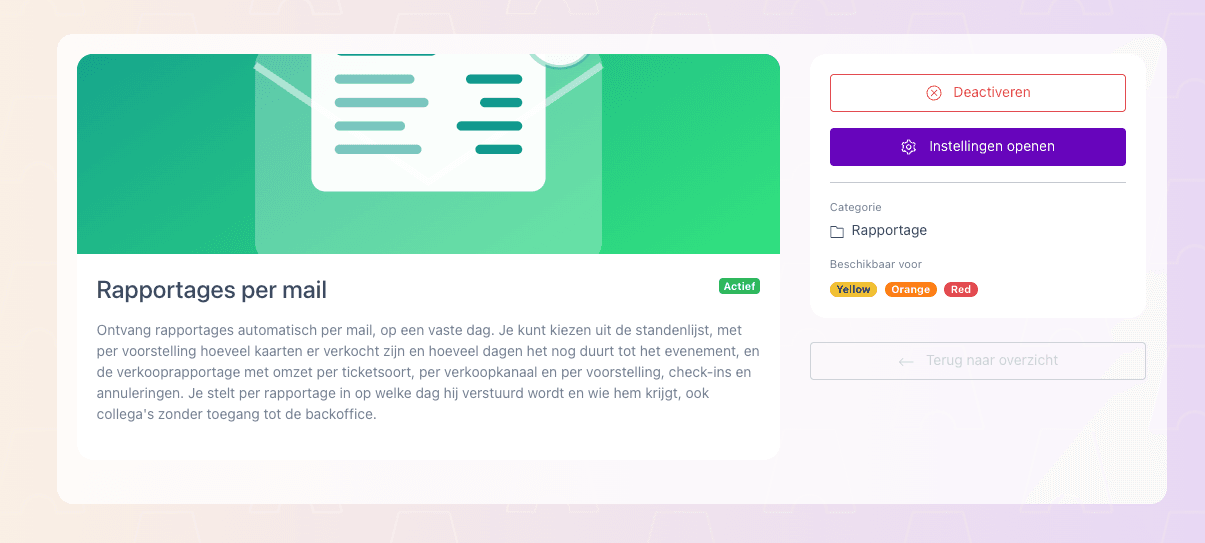
You can now have reports sent automatically by email. Activate Reports by email via the Avayo Marketplace and then go to Reports → Reports by email to choose which report you want to receive.
Choose a standings report or sales report, set the recipients and schedule the report daily, weekly or monthly. This can be for one event or for your entire account.
This way, you automatically stay up to date without having to retrieve the reports yourself in the back office.